
What Is Velin AI? The Invisible Real-Time AI for Interviews & Tests
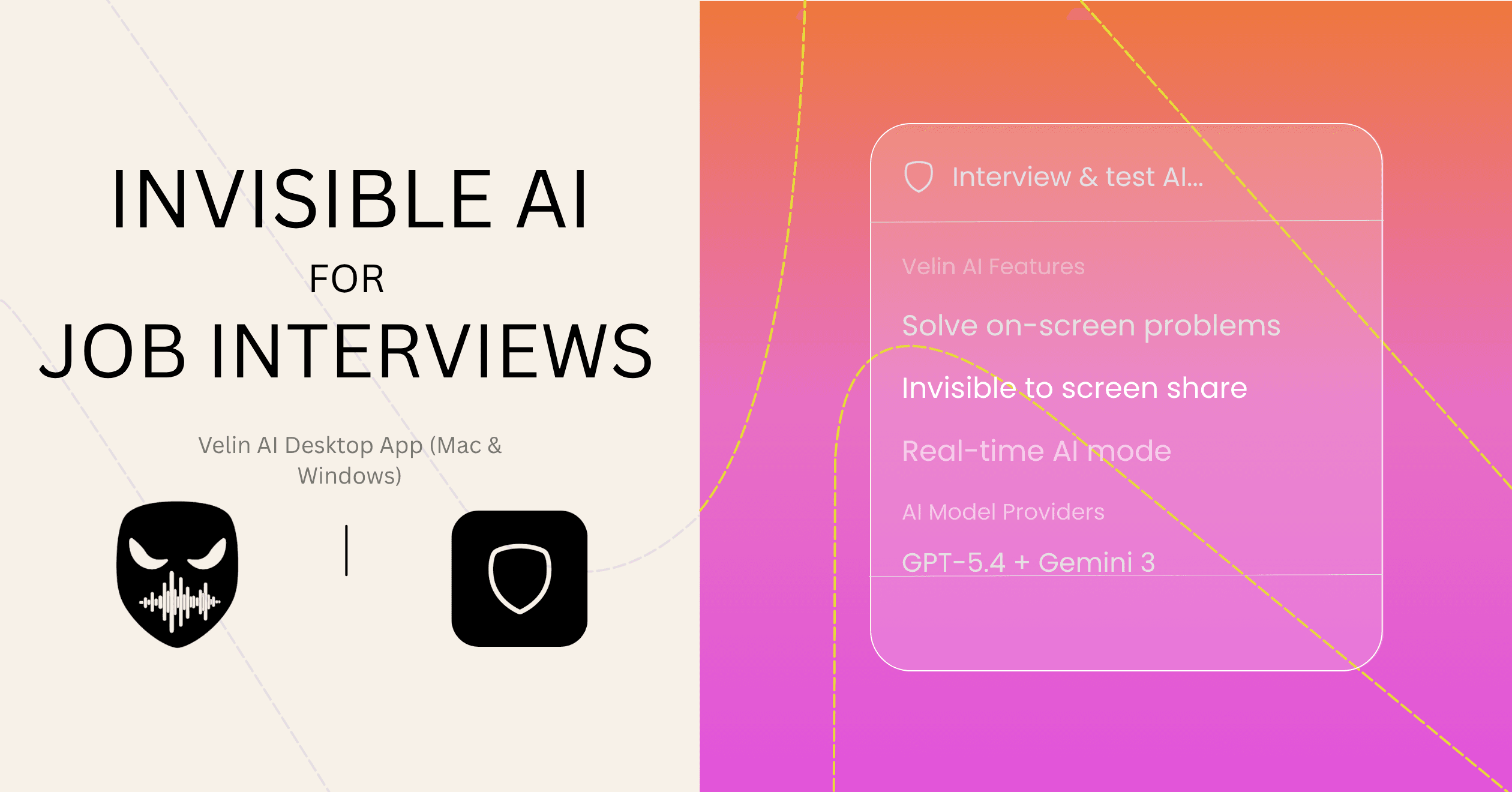
You've spent months preparing. You know the material. But the moment the interview starts, your mind goes blank. The pressure hits, the clock is ticking, and you can feel the opportunity slipping.
That's the situation Velin AI was built to fix.
What Is Velin AI?
Velin AI is a real-time AI assistant that runs silently in the background while you're in job interviews, online tests, or important meetings. It listens to the conversation, watches your screen, and delivers accurate, well-formatted answers — instantly.
Here's what separates it from every other AI tool out there: no one can see it.
Not your interviewer. Not the proctoring software. Not the screen recording platform. Velin is invisible to all of them — natively, at the operating system level, without any workarounds or manual configuration required.
It's not a browser extension. It's not a fragile overlay. It's a purpose-built desktop application for Windows and macOS that operates at the OS level, making it fundamentally and reliably undetectable.
How Velin AI Works
The process is straightforward:
- Open Velin AI before your interview or test and log into your account.
- Velin listens in real-time — it transcribes everything spoken in the conversation from both your microphone and your system audio simultaneously.
- When a question is asked, Velin surfaces a clear, accurate, rich-formatted answer directly on your screen — visible only to you.
- Click "Analyze Screen" to have Velin scan whatever is on your display — a coding problem, a diagram, a document — and generate a detailed, step-by-step solution.
- Read, recall, and respond with confidence. Copy and paste where needed. Move on.
No frantic typing. No alt-tabbing. No one suspects a thing.
The Core Features That Make Velin Powerful
Real-Time Audio Transcription
Feature Spotlight: Live Transcription
Velin transcribes everything in real-time — your microphone input and all computer audio — so it always understands the full context of the conversation. You never have to type the question. Velin already heard it.
AI Screen Analysis
Feature Spotlight: AI Screen Analysis
Facing a LeetCode-style coding problem? A complex architecture diagram? Click "Analyze Screen" and Velin instantly reads whatever is on your display and generates a clear solution — with formatted code, tables, and plain-language explanations you can immediately act on.
Rich Formatted Responses
Velin's answers aren't plain text. They're fully formatted: code blocks, numbered lists, tables, markdown — rendered cleanly so you can scan and act fast. Coding interviews become copy, paste, and explain.
Invisible Notes and Cheatsheets
Feature Spotlight: Invisible Notes
Create cheatsheets before your interview and have them instantly available — completely invisible to screen share. Upload your resume, paste in job descriptions, add any context that helps Velin give you more relevant, personalized answers. Accepts text, images, and real-time audio.
57+ Language Support
Velin works in over 57 languages for both input and output. Whether your interview is in English, Spanish, French, Japanese, Portuguese, or any other major language, Velin handles it.
Multiple Parallel AI Jobs
Run multiple AI queries at once — screen analysis, notes lookup, and live transcription all happening simultaneously. Velin is built to keep pace with the speed of a real interview, not slow you down.
Mouse Gesture Control
Feature Spotlight: Mouse Gestures
Draw a shape with your mouse and it triggers an action. Nothing is typed, so a platform logging keystrokes has nothing to record — and a moving cursor is the least remarkable thing on any computer.
Keyboard shortcuts work for everything too, and most of the time that's what you'll use. Gestures matter when the assessment platform is watching what you type: a burst of shortcuts during a hard question is a pattern in a log file, and a mouse movement isn't. No other tool in this category offers gesture control.
Total Invisibility — By Design
Every layer of Velin is engineered to stay hidden:
- Screen share: Velin does not appear in your shared display on any tested video conferencing platform.
- Dock and taskbar: No icon. No status bar title. Nothing to see.
- Mission Control / Task View: Absent from both macOS and Windows task views.
- Activity Monitor / Task Manager: Runs under the name V Module with a blurred icon — anonymous in any process list.
- Cursor: Click-through design means your mouse passes right through Velin without any cursor shape change.
- Focus detection: Velin never registers as the active window, so platforms that detect tab-switching won't flag it.
- Your input: mouse gestures mean there's no keystroke for a platform to log.
For the complete breakdown, read how Velin stays undetectable, surface by surface, or see the undetectability page for all 30+ features grouped by what they answer.
Who Is Velin AI For?
- Software engineers preparing for technical coding interviews and system design rounds
- Students sitting online exams and proctored certification tests
- Job seekers in any field who want live, accurate support during interviews
- Professionals who want a sharp AI assistant during meetings and presentations
- Anyone who is serious about performing at their best when the stakes are high
Platform Support
Velin AI is available on:
- macOS — Intel (x64) and Apple Silicon (ARM64)
- Windows — x64
The download is free. Full Pro features — including unlimited AI sessions, screen analysis, and invisibility — unlock with a subscription or a one-time lifetime purchase. See the full pricing breakdown here.
What Users Are Saying
Velin AI holds 5.0 from 40+ reviews across Trustpilot and Peerlist. It's a small review base and worth reading rather than trusting the number — but what comes up repeatedly is the speed of responses and the reliability of the invisibility under real interview conditions, which are the two things that matter when it counts.
Velin AI isn't magic. It's deliberate engineering. Every feature was built to give you a real, reliable advantage at exactly the moment it matters most — and to keep you completely invisible while it does.