
The Best Parakeet AI Alternative for Interview Help in 2026
Three things send people looking for a Parakeet AI alternative, and they're all structural rather than complaints about quality.
Credits. Sessions cost roughly half a credit per 30 minutes. Credits never expire, which is genuinely good for infrequent users, but it means there's a balance to watch — and interviews are the worst possible moment to be thinking about one.
The browser. Parakeet is browser-first and mobile-optimised. That's a real advantage on a machine you can't install software on. It's a disadvantage in a monitored environment, because the browser is the most inspected surface on the computer. A tab appears in your window list and can be enumerated by an extension.
The pricing page. Monthly, yearly and weekly options exist, but the prices render dynamically and didn't load when we checked. You find out what it costs by signing up.
If none of those bother you, Parakeet does things nothing else here does — including phone-call support via Google Voice — and you should keep it. This post is for the people they do bother.
The alternative: Velin AI
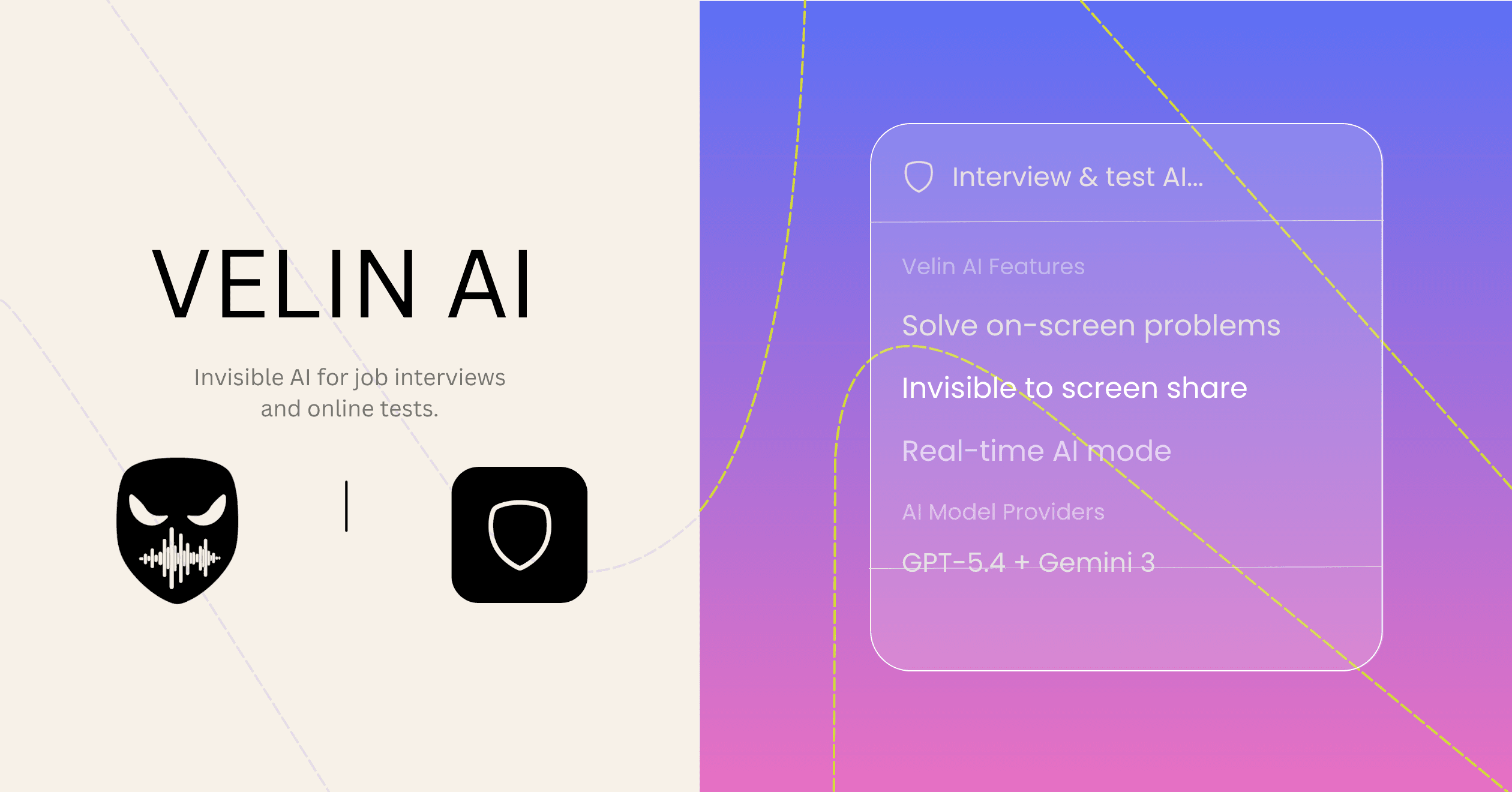
A native desktop app for macOS and Windows, hidden at the operating system level, with unlimited usage on every plan and prices published on the page.
$34/month, $228/year, or $324 once for lifetime. No credits, no session cap, no counter.
Feature Spotlight: What a native app buys you here
A proctoring extension lives in the browser and can see browser things — tabs, windows, focus changes. It can't see a native process that isn't advertising itself to the window server. Velin is absent from the dock, the menu bar and Activity Monitor, and runs under the process name V Module, which reads like a system utility rather than an AI tool.
That's the core of it. Parakeet claims "Invisible in Dock" and "Invisible in Task Manager" too — but those describe their desktop app, not the browser build most people use. If you're running it in a tab, those claims aren't the ones protecting you.
| Feature | Parakeet AI | Velin AI |
|---|---|---|
| Stealth Level | App Overlay (Detectable) | OS-Level (Robust & Invisible) |
| Hands-Free Operation | No (Requires Keyboard) | Yes (Ambient AI) |
| Post-Interview Notes | No | Yes (Notes Mode) |
| Parrallel AI Jobs | No (One at a time) | Yes (Run multiple jobs) |
| General Productivity | Limited to Interviews | Designed for Daily Workflow |
| Multi-Modal Input | Limited (Screen/Voice) | Yes Realtime (Text, Voice, Screen) |
| Solution Speed | Slow (~20 seconds) | Fast (~5 seconds) |
| Controls | Limited (Keyboard Only) | Everything (Keyboard and Smart Touch) |
Two features Parakeet doesn't have
Mouse gestures. Parakeet is driven by keyboard shortcuts. Velin can be controlled entirely by custom mouse gestures, so a platform that logs keyboard input has nothing to attribute to a helper app. You can still use keyboard commands or undetectable clicks — the point is that you choose based on the environment rather than accepting what the tool ships with.
Invisible notes. Cheatsheets you write in advance and place on your screen during the interview, absent from screen shares and recordings. In behavioural rounds, having your own STAR stories in front of you usually beats a generated answer.
If you switch
It's a clean move — there's no data to migrate, because neither tool holds anything you'd miss.
- Download Velin for macOS or Windows and sign in. It installs as a normal desktop app.
- Grant permissions — microphone, accessibility and screen access. The app needs all three to hear the conversation and read the screen.
- Re-upload your context. If you had a resume or documents in Parakeet's knowledge base, add them again as custom context. This is the only real re-do.
- Set your control method. Decide up front whether you're using keyboard commands, clicks or gestures, and practise once before a live call.
- Let your Parakeet credits sit. They don't expire, so there's no deadline and nothing to cancel in a hurry if you want to keep the account for phone interviews.
The install guide covers the permission steps in detail.
When you should stay with Parakeet
Worth being direct about, because switching for the wrong reason wastes your money:
- You can't install software on the machine you'll interview on. Velin is a desktop app; there's no browser version and there won't be one, because that's what the invisibility depends on.
- You need phone interviews covered. Parakeet's Google Voice support is genuinely unusual and Velin has no equivalent.
- You need it on mobile. Velin is desktop only.
- You interview twice a year. Non-expiring credits suit rare use better than a subscription, and Velin's lifetime plan only pays off if you'll keep using it.
One note on their numbers while you're deciding: Parakeet's homepage claims "1,534,135+ people" and "4.86 from 340,066+ reviews" — a review rate of roughly 22% of all users, where 2-3% would be high for consumer software. We can't audit it either way, but it's worth discounting when you weigh social proof.
The short version
Parakeet trades depth of invisibility for reach — it goes where a desktop app can't. Velin trades reach for depth, and adds unlimited usage and published pricing.
If you're interviewing on your own machine and you want the strongest version of not being seen, that's the trade worth making.
Want the full side-by-side? The head-to-head comparison covers it in detail, and the invisibility breakdown explains the OS-level mechanism.
Parakeet AI's features were taken from parakeet-ai.com and parakeet-ai.com/pricing on 12 August 2026. Their prices render dynamically and did not load, so none are quoted here. Their user and review counts are their own claims.